New Wiki Search Replaces Pagefind

As the wiki expands into its automation era, a new search has emerged to dethrone the awful PageFind!
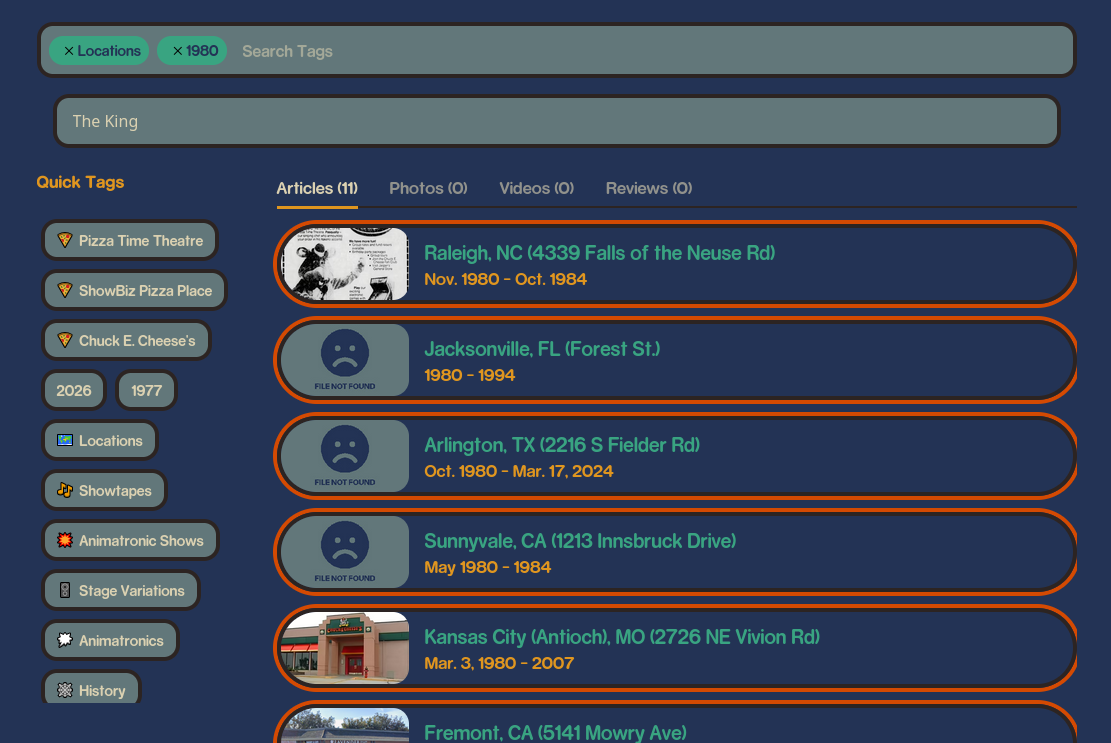
This is custom built for the wiki, and is shaping more of how articles previously worked (being sorted by tag and category) into closer to how an image board works (lots and lots and lots of tags).

Here you have two search bars, the first lets you search any page title, article type (photos, videos), year, or do negative searches with ‘-’! It even auto-fills as you type and says how many pages are tagged that.

But why would you want to search a singular store name as a ‘tag’? Well, because any page that links to that article also is tagged by it!
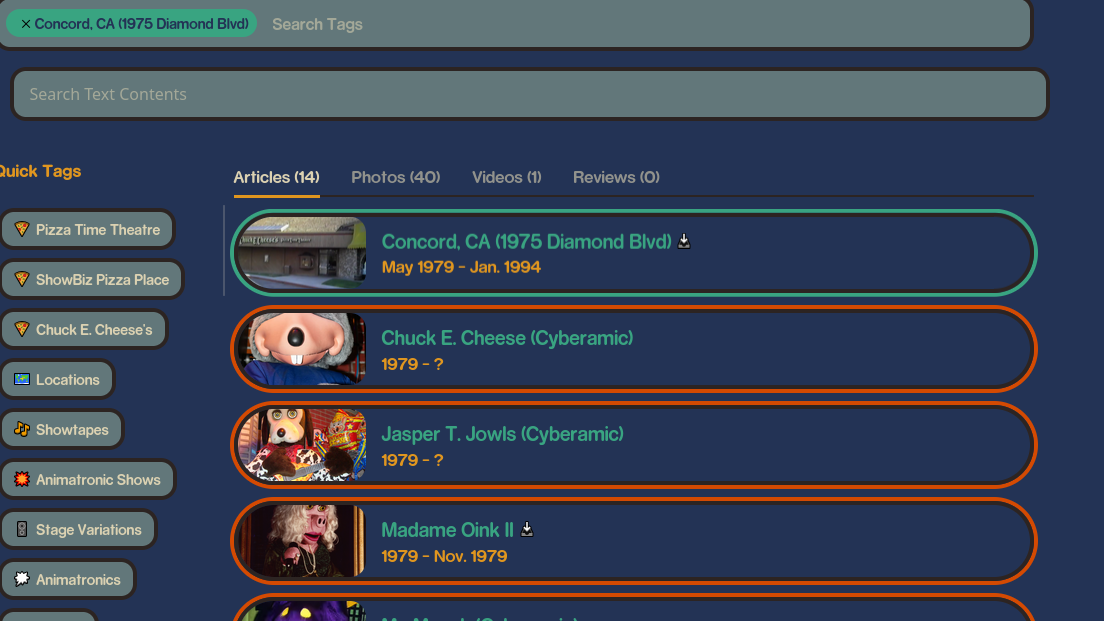
Here’s every page that mentions Concord, still in oldest-newest order, but Concord itself will always be the first result!
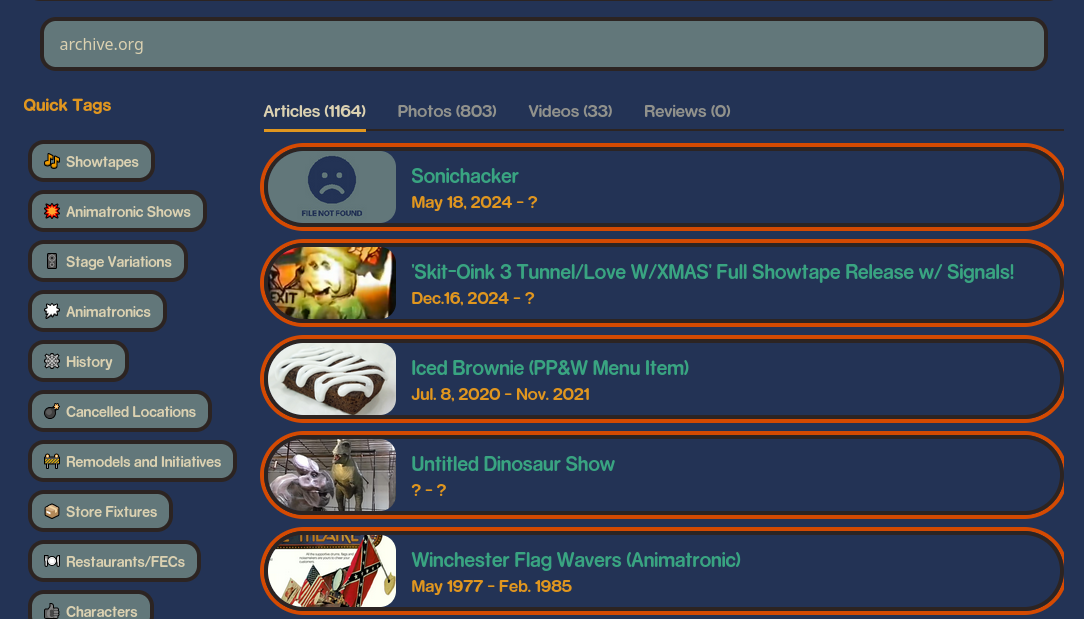
The second search bar is for fuzzy-searching inside all article titles, parameters, and text, including contributors and citations! This is useful for more particular research, alternative names to things, and finding things that don’t have a full page yet. Note that using the fuzzy search will now sort articles by relevancy to the text rather than newest-oldest.
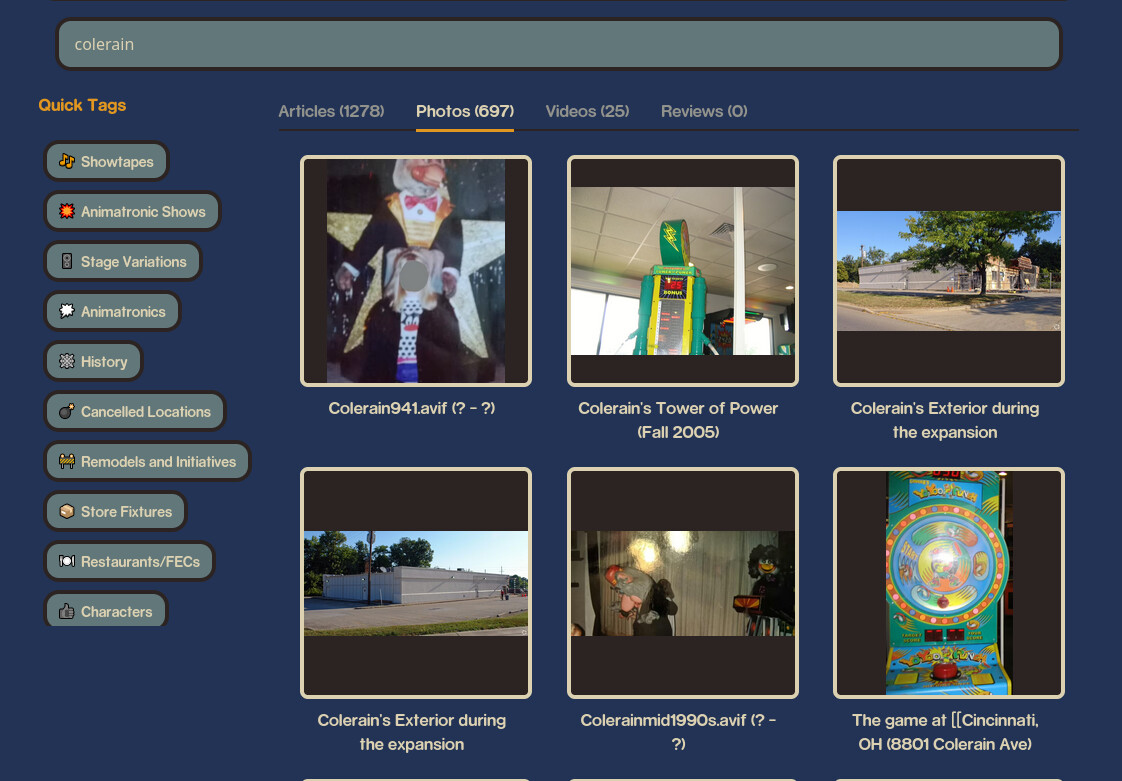
What’s even better is that fuzzy search lets you see stuff that isn’t even linked to the right page- or any at all! We do have a lot of Colerain photos that were broken in the switch from mediawiki, but searching it now shows you everything it can find!

And thats it, hope you’ve all been enjoying the improvements! I also fixed about 500 photos that weren’t linked to a page, but we still have a long ways to go to fix that giant mess.

1 Like

From user feedback I have fixed a few things, mainly some CSS issues and issues with certain links not working (which was already a problem before, should all be working now).

For anyone wanting to improve the search and its auto-tagging, check this file out and help fill it! Basically, if any tag has to imply another tag, like the Balcony stage always implying Pizza Time Theatre, add that and we’ll have more cross compatibility with pages.

*EDIT Search has improved more, most location parameters now link back to the tags, so if you search “Road Stage” you’ll get every location with one, or searching arcades, franchisees, etc

Search random things was a nightmare, I’m glad that was changed

1 Like

The search has been further updated after some major feedback.

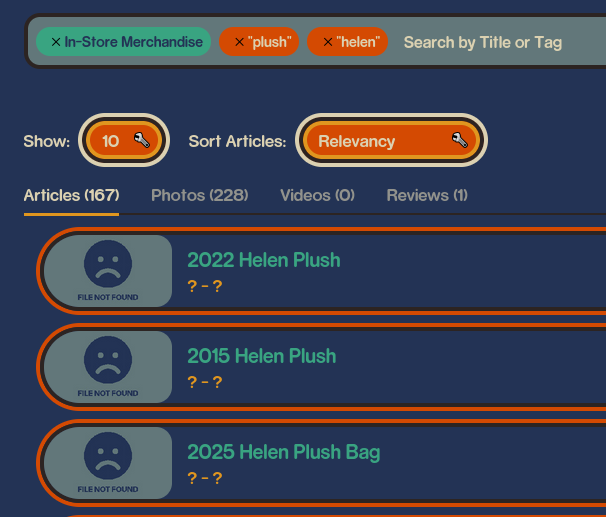
  1. You can now sort search by relevancy, old→new, and new→old. The ‘relevancy’ sort will also prioritize titles matching closest to your tags, or if you use the text content search, then that has higher priority.
  2. Results auto cap to 10 to start, but another dropdown lets you set how many you want to see. There’s also a ‘show more’ at the bottom of the results. This mainly helps with reducing lag or unneeded waiting when just needing the top results.
  3. The amount of tags that photos, videos, and reviews take from their parent article has been reduced to just the ‘tags’ and ‘categories’ parameters. This was due to too much cross contamination I didn’t think of.
  4. The ‘Credits’ parameter now grabs the names of anyone and lets them be searchable in the tags, so if you search like Duncan Brannan it’ll show everything he’s currently marked as credited in.

The site search has been updated to reduce the amount of data downloaded to load the script. This makes it faster to search upon first-load, and makes my bill not fucking astronomical anymore hopefully (i may be moving to another provider regardless). I have also merged the tag and fuzzy-search bars into one, where if you type something that doesn’t match a tag it’ll do a fuzzy search.

1 Like