@Clownzin I’d recommend you keep working on your BillyCon VI page before submission. The article wording is very unsure of itself and there isn’t any markers for the few citations used. Also you don’t put yourself in the credits that’s for the actual event workers. Also you bolded all of the text.
1 Like
I’ve now removed the old editor. Nobody has used it for nearly a week, I’ve gotten about 70 commits through the new one and its been going well. We should be good going forward on the switch! I’ll improve more aspects of this one over time too.
1 Like
Awsome!I have to ask is There a reason why the recent changes tabs were removed?Or is it some kind of visual glitch?
That was a glitch with one of the commits I sent through this morning. If you clear your cache it’ll update.
1 Like
I guess this thread is turning into commit feedbacks now too.
@TutorialTimeYt I don’t think “Balcony Stage With Cheese Crawl” warrants its own distinction, and should just be put in the stage notes, just like how there’s 1-wall and 2-wall shelf stages. Also you left brackets in some of the tags
@ThatRockHistorian76 Please try and only submit once your article is done, you changed one of the NY stores like 5 times and idk if whatever I merged was your latest change. Also ‘1982’ or the store’s name aren’t tags you need to add in, those are done when the website is built. Tags are just for things not directly linked to, and on store articles thats basically just gonna be Pizza Time Theatre, ShowBiz, CEC etc.
1 Like
Got it!Will do better next time!Thanks for the feedback 
So sorry about that! Sometimes I might change an article multiple times if I forgot something, or need to fix a mistake. I will try to finish the articles I have listed as “IN PROGRESS”; the reason I do that is so I don’t forget or lose my information.
Thanks for letting me know about the tags; I will remember that going forward.
Again, sorry!!
Be aware if you want to save a draft of your article you can hit “Download Edits”, and then “Reupload Edits” next time you get back to that page.
1 Like
Good to know, thank you!
1 Like
Is there a way to edit photo dates?
Yes I think I just don’t have the button on those articles yet. Go into the photo article and change the link from cep-js to cep-editor
1 Like
I accidentally added three photos twice. Whoops!
I realized my setup for accepting commits was doing them in random order instead of oldest to newest, sorry if that has had lost commits, but also again try not to submit multiple times on the same article!
1 Like
I forgot I had already submitted them so I submitted them again. I will watch out for that.

1 Like
so I updated the tags on a few images so they would be assigned to the right pages and for some reason a few of the images got absolutely deep fried
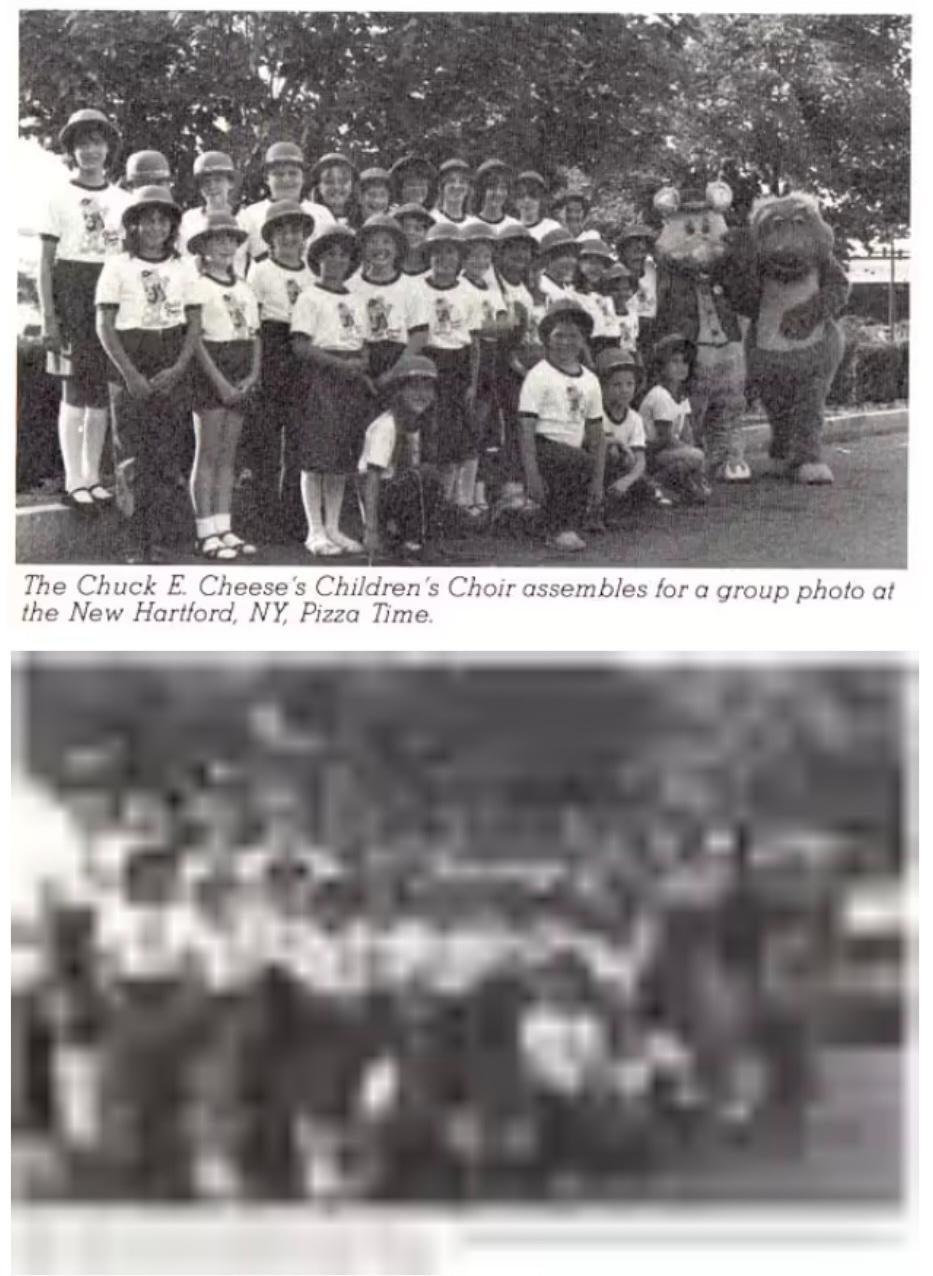
Idk if this is a glitch or something but though I’d give a heads up.Should I replace the files again or is there something else I should do?
It looks like a Minecraft painting

2 Likes
The photo is correct your browser just isn’t loading it for whatever reason. I have low quality versions of photos to load first and I see the high resolution one on my end
1 Like
I though that too but it’s like this across all devices I’ve checked.Also if you go into the editor in the edit raw it also only shows the compressed photo and an even worse version on the thumb.This is defnetly some kind of glitch with uploading
oh wait yeah those two were just uploaded bad. Yea just edit the pages and reupload the image (use the edit raw tab itll let you replace the photo).
I’ll keep watch if this happens again, might be an issue with my submitter and not you
1 Like
Alright good to know!